
Reading
The library
Section titled “The library”Feeds shows everything you follow in one chronological stream. The sidebar lists your sources and channels; channels are saved views over the library, filtered by source, content type, or read state, so “Newsletters” or “Slow reads” is one click away.
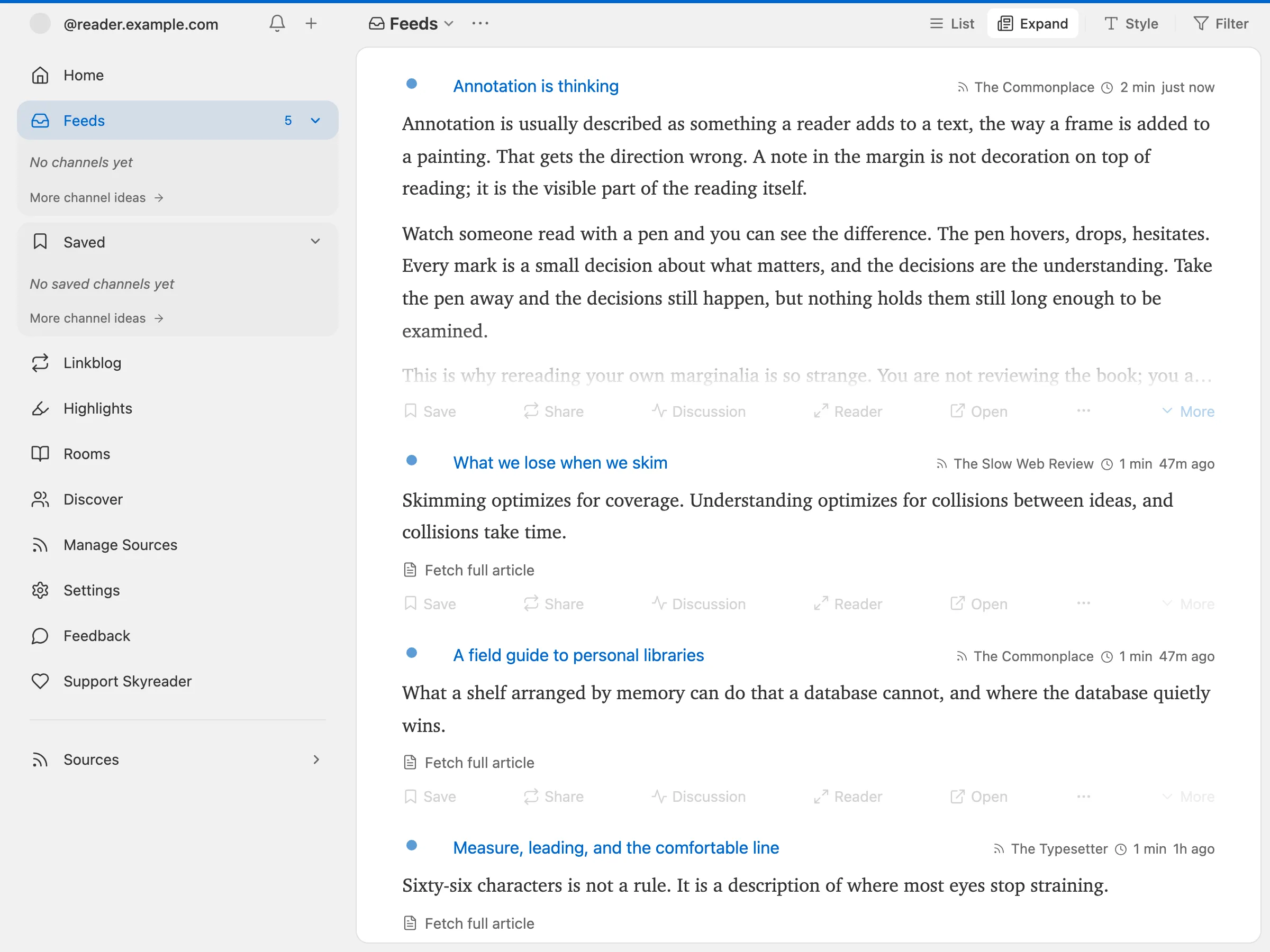
Items you scroll past can be marked read automatically (a toggle in Settings → Reading).
Home is the calmer front page: pick up where you left off, recent saves, your daily magazine.
To change Home, choose Customize at the top of it. Pick where the app opens and how large the cards are, hide any section, or drag one by its handle to reorder. Changes apply right away and are saved on this device.
The reader
Section titled “The reader”Opening an article gives you a clean, full-screen reading surface.
Skyreader preserves the structure of Leaflet and Offprint publications, including galleries, equations, buttons, task lists, and aligned text. If a publication uses an interactive widget the reader cannot safely show, the article says so and links you to the original instead of silently leaving content out. Members-only sections stay on their publication.
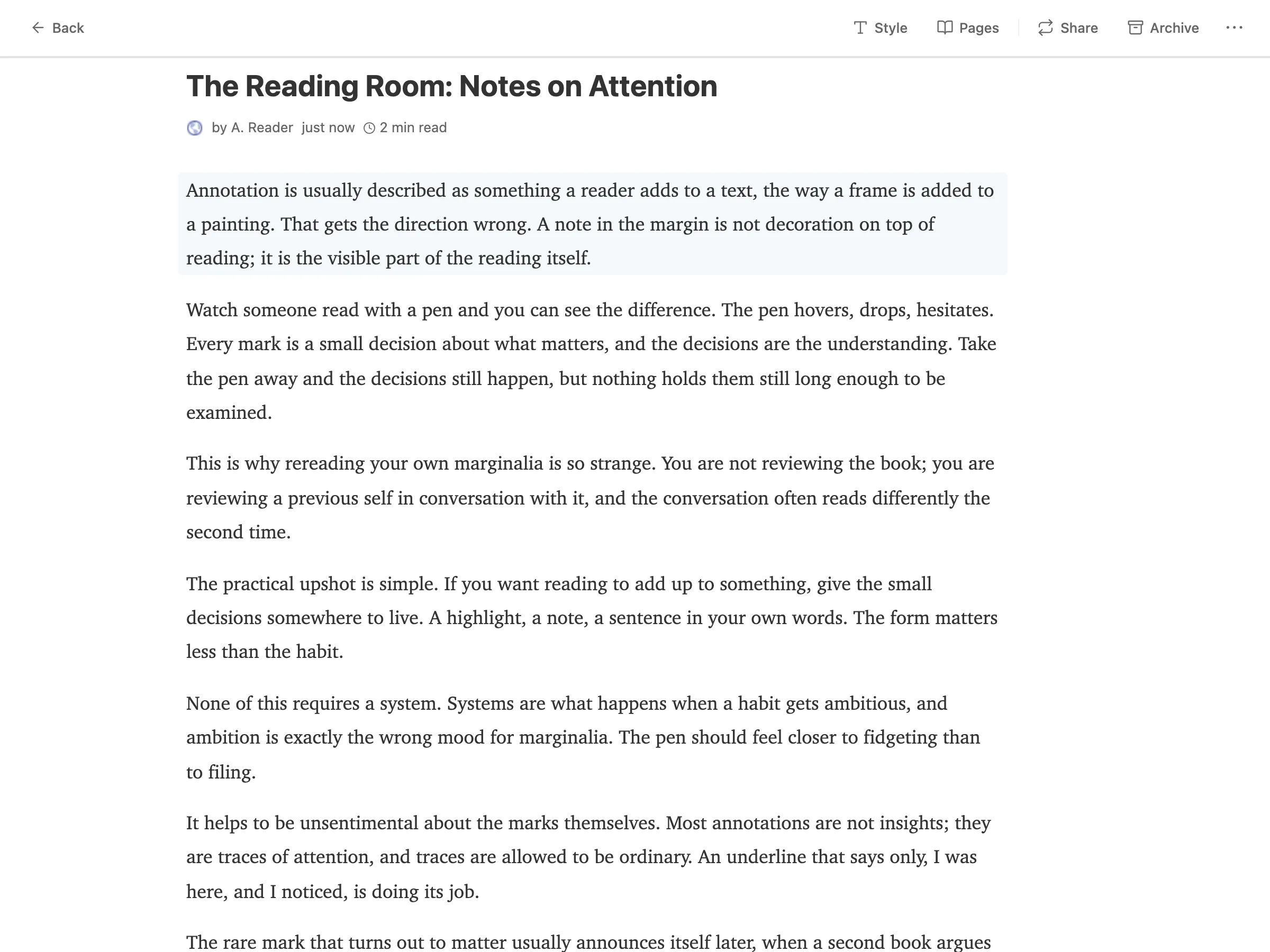
- Style customization : change the font style and size.
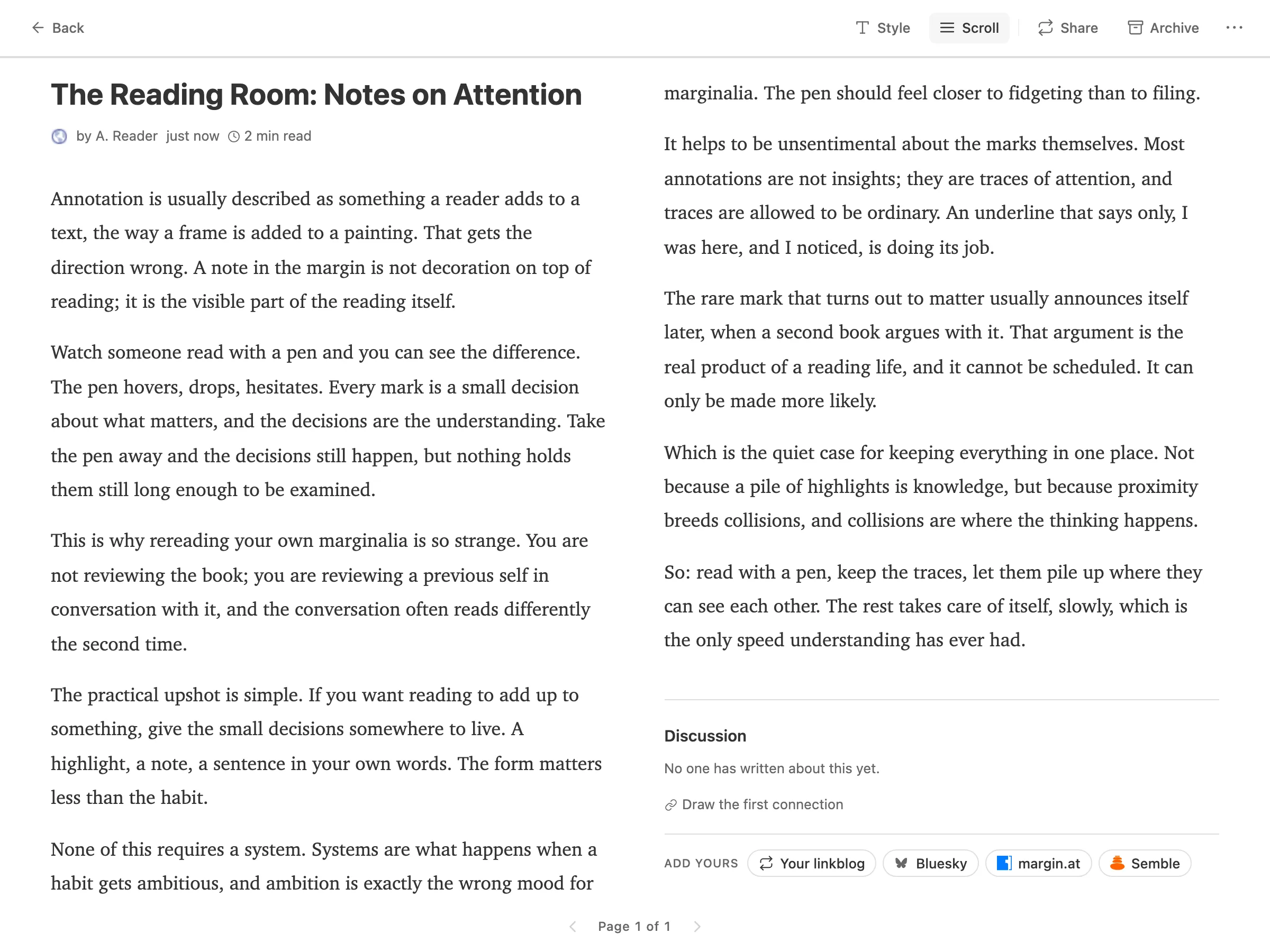
- Paged mode: a toggle in the reader switches from scrolling to page turns, one page at a time, or two columns side by side on a wide screen.
- Highlighting: double-click a paragraph or select text. See Saving and highlights.
Discussion
Section titled “Discussion”Articles carry a Discussion section at the end that gathers what people across the Atmosphere have written about that link: linkblog notes, Leaflet comments, Bluesky posts, Margin annotations, Semble connections, merged into one stream.
To add yours, use the buttons under Add yours. Bluesky writes a post from your own account, with the article’s link card under your words; it’s public like any Bluesky post.
The daily magazine
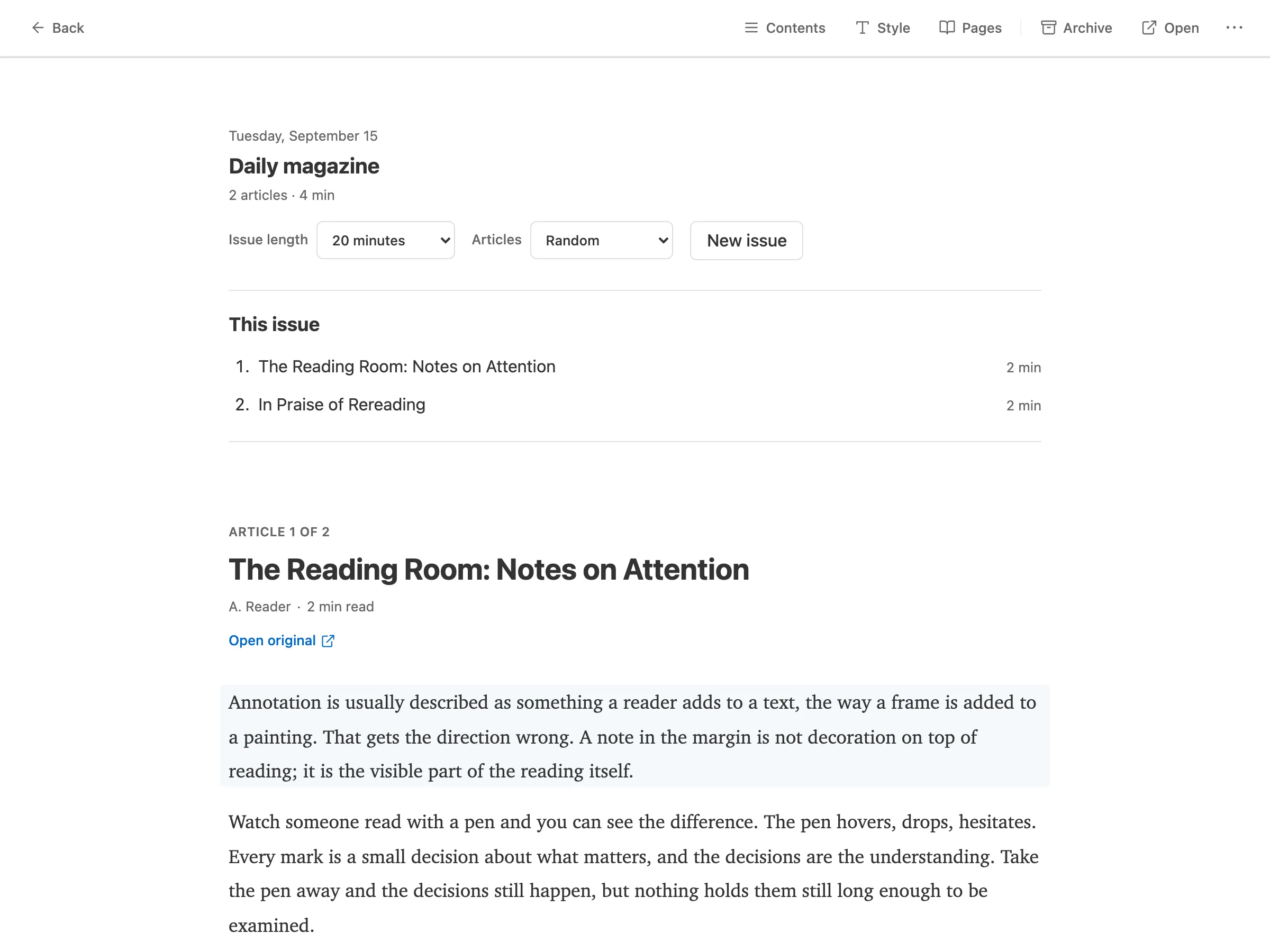
Section titled “The daily magazine”Daily builds a magazine issue from your saved articles. Pick an issue length in minutes and an ordering, then Generate issue. An issue is a snapshot: new saves don’t reshuffle it, and it resumes where you left off on any device. When you finish, archive the issue or generate a new one from the current pile.
Offline
Section titled “Offline”Your feeds, saves, and highlights are stored on your device. Reading, marking read, highlighting, and the magazine all work offline; anything you do is queued and synced when you reconnect. Adding sources and changing sync settings need a connection.